Free
$0
- One painting of your own, start to finish
- All the demo paintings
- Mixes from your paints
Pick a photo. Mixwell breaks the painting into small steps and shows you which colors to mix from your own tubes, how much paint to squeeze out, and what the canvas should look like after each step.
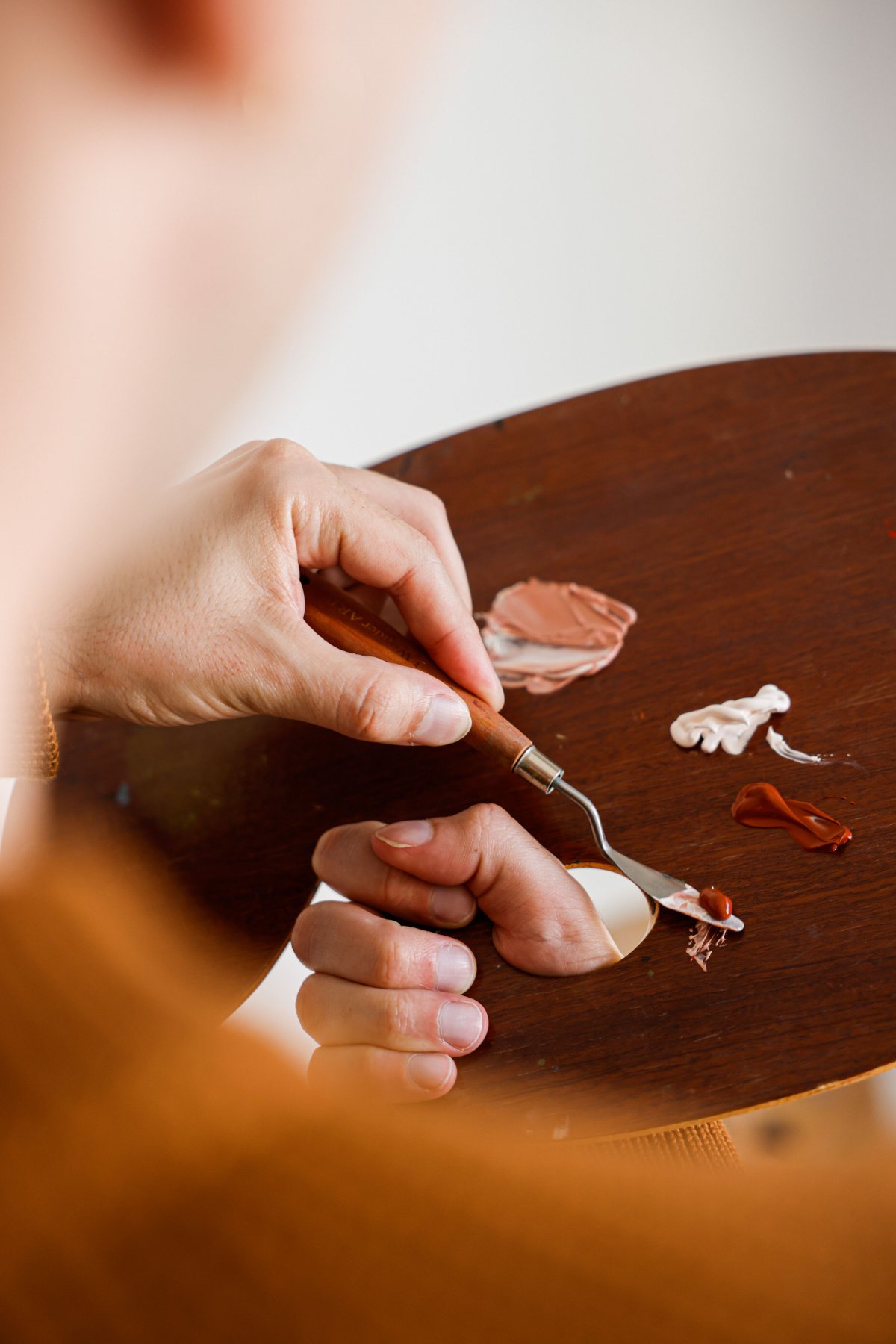
This pile
No more guessing which tubes make that color, or adding white until it turns to mud. Mixwell tells you which tubes to use and how much of each, and shows you what the mix will look like before you start.
Try it free
Step 1 of 9
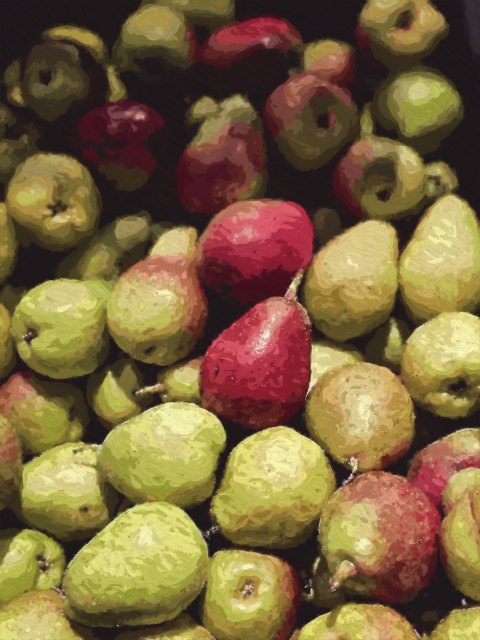
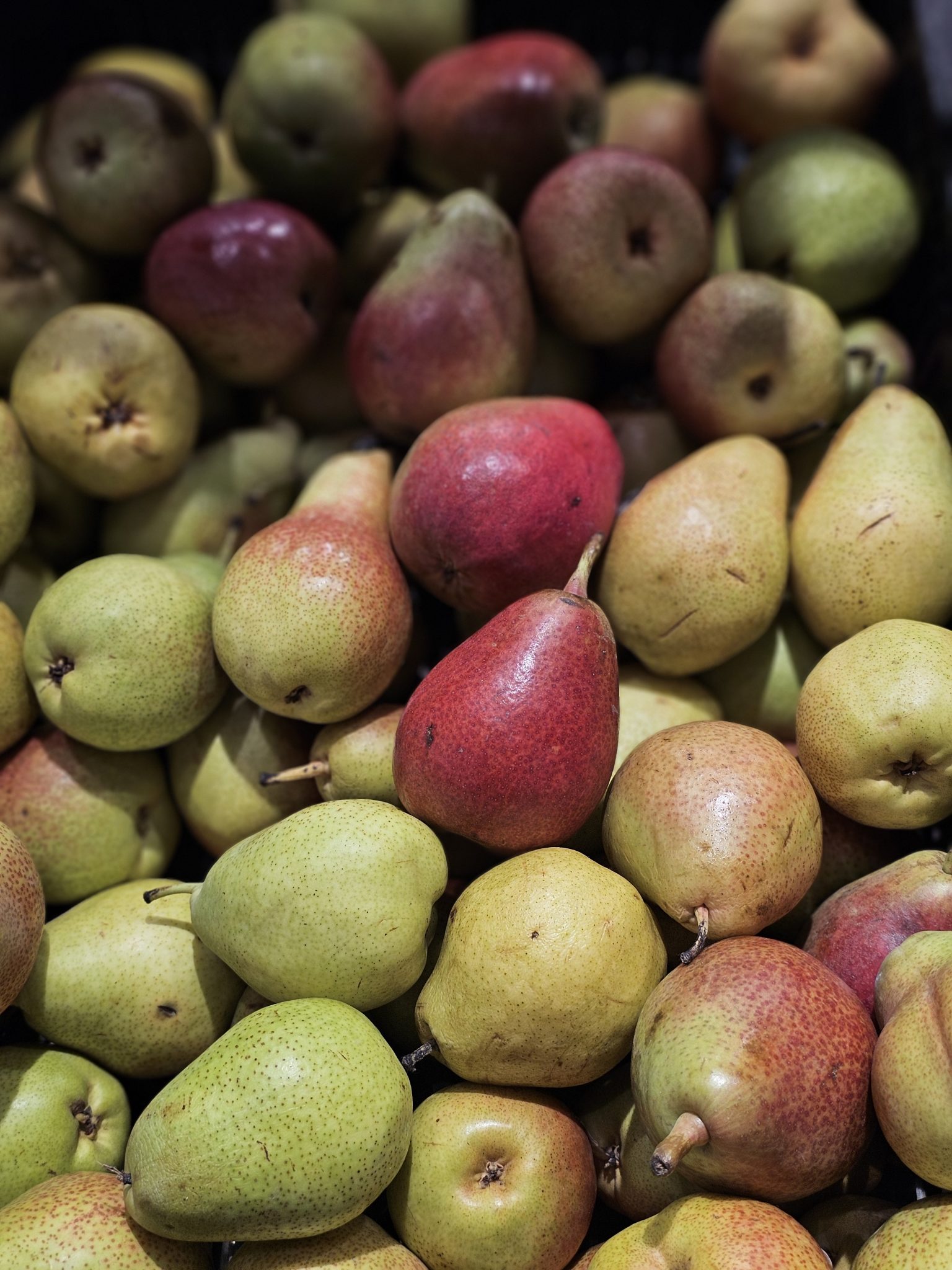
Stuck on a color? Tap it in your photo and Mixwell tells you which tubes to mix and in what amounts. Tap a pile and the canvas shows you where it goes.
It explains the things that usually go wrong: why a light turns muddy when you paint it into wet dark paint, how to keep fat over lean, and how long to wait before the next layer.
It works with the paints you already have, including student-grade tubes, and with the size of canvas you are painting on.
Your paintings save to your account, so you can plan on your phone and paint with your laptop next to the easel.
$0
$9.99 a month, cancel anytime
Yes, that is who it is for. Every step tells you what to do and why, in plain words. Start with one of the demo photos, then try your own.
No. Mixwell runs in your browser, on a computer, tablet or phone.
Your photo is processed on your device. If you sign in, your paintings are saved to your account so you can open them anywhere.
Common oil colors from several brands, artist and student grade. You can add your own tube by its pigment code.
Each mix shows how close it gets. Use it as a starting point and adjust by eye, the way you would anyway.
Oil for now. Acrylic and gouache come later.
Yes, anytime, from your account. Your paintings stay yours.